Ecommerce · Updated September 3, 2026
Is Shopify Worth It in 2026? An Honest, No-Hype Breakdown
A clear-eyed look at what Shopify actually costs, who gets real value from it, and where the platform starts to show its limits.
By Theme Catch · 10 min read
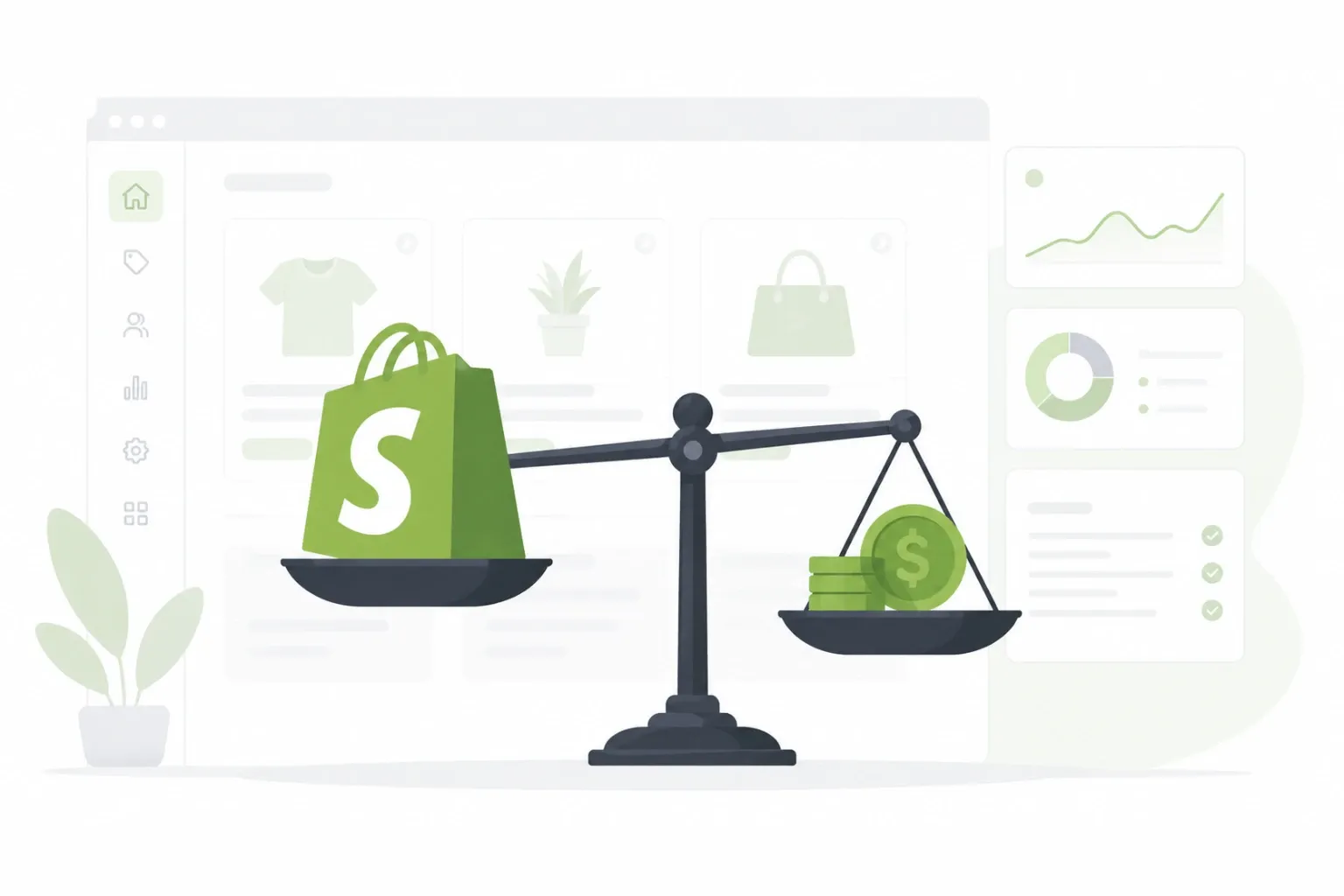
Somewhere between the ad that promised you could "build a six-figure store in a weekend" and the forum post calling Shopify a money pit, there is a more useful answer. Shopify is neither a shortcut to passive income nor a scam, it is a tool, and like most tools, whether it is worth it depends entirely on what you are trying to build.
This guide skips the sales pitch and the doom-and-gloom. Instead, it breaks down what you actually pay for, who tends to get real value from Shopify, who is better off elsewhere, and the costs that rarely show up in the marketing pages.
Quick Answer: Is Shopify Worth It?
For most people asking this question, the short version is:
- Worth it if you plan to sell physical or digital products, want a platform that handles hosting, security, and checkout without you managing servers, and are willing to pay a monthly fee plus transaction costs.
- Probably not worth it if you are only testing an idea with no real budget, need something highly custom and are not willing to hire a developer, or are running a content site rather than a store.
- Worth comparing first against WooCommerce and BigCommerce if you already have technical help or a WordPress site you like.
The rest of this guide explains why.
1. What Shopify Actually Is
Shopify is a hosted ecommerce platform, which means it handles the technical side of running a store, including hosting, security certificates, uptime, and payment processing, so you are not stitching together a server, a shopping cart plugin, and a payment gateway yourself. You pick a theme, add products, and Shopify takes care of the infrastructure underneath.
That trade-off, convenience in exchange for a monthly subscription, is the entire point of the platform. It is closer to renting a fully equipped storefront than building one from scratch, which is exactly why it appeals to people who want to sell things without becoming part-time system administrators.
2. Shopify Pricing in 2026: What You Actually Pay
Shopify's plans have shifted over the years, and the current tiers on the official pricing page range from a basic plan aimed at new stores up to advanced and Shopify Plus tiers built for higher-volume merchants. Each step up unlocks lower transaction fees, more staff accounts, and more advanced reporting.
The number on the pricing page, though, is rarely the number you end up paying. On top of the subscription, most stores also pay:
- A payment processing fee on every sale, whether through Shopify Payments or a third-party gateway.
- App subscriptions for features the core platform does not include, such as advanced email marketing, reviews, or subscriptions.
- A premium theme, if the free ones do not fit the brand.
- Domain registration and, often, a developer for anything beyond basic customization.
None of that makes Shopify overpriced. It just means the honest answer to "how much does Shopify cost" is "more than the plan price," and budgeting for that upfront avoids an unpleasant surprise three months in.
3. Who Shopify Is Worth It For
Shopify tends to earn its cost back for a specific type of seller. It works well for people who want to launch relatively quickly, do not want to manage hosting or security patches themselves, and are selling a real product with a plan to market it, not just testing whether an idea might work with zero investment.
It is also a strong fit for merchants who expect to scale. Because it is built to handle traffic spikes and larger catalogs without much manual intervention, a store that starts small on a basic plan can move up tiers as revenue grows, rather than migrating platforms entirely.
Dropshippers, print-on-demand sellers, and brands with a handful of SKUs and a clear marketing plan are typically where Shopify delivers the clearest return on the monthly fee.
4. Who Might Want to Skip Shopify
Shopify is less convincing for a few groups. If you are running a content-heavy site, such as a blog or publication, with occasional sales rather than a full storefront, a simpler setup will usually cost less and do the job. If your budget genuinely cannot absorb a recurring subscription plus transaction fees while you validate an idea, a marketplace listing or a free-tier tool may make more sense until there is proven demand.
It is also worth a second look if you need deep, unusual customization, like a highly specific checkout flow or a product configurator that does not fit the standard theme system. That is achievable on Shopify, but it usually means hiring a developer familiar with Shopify's Liquid templating language, which adds cost that a more flexible, self-hosted platform might avoid.
5. Shopify vs the Alternatives
WooCommerce is the most common comparison, mainly because it is free to install on WordPress and gives you far more control over hosting and code. The trade-off is that you, or someone you hire, becomes responsible for security updates, backups, and performance, none of which Shopify asks you to think about.
BigCommercesits closer to Shopify in structure, another hosted platform, but it has historically included more built-in features at each tier, which can mean fewer paid apps, though its theme ecosystem and app marketplace are both smaller than Shopify's.
Squarespace and Wix Commerce are worth mentioning for very small, design-first stores, but neither matches Shopify's depth of ecommerce-specific apps once a store needs more than basic inventory and checkout functionality. The right pick usually comes down to how much control you want versus how much you are willing to outsource to the platform.
6. The Costs Nobody Mentions Upfront
Beyond the subscription and transaction fees already covered, a few costs tend to catch new merchants off guard. Apps are the biggest one: it is easy to end up with eight or nine small monthly subscriptions for things like upsells, reviews, and email flows, which can quietly add up to more than the Shopify plan itself.
Payment gateway fees are another. Using a third-party processor instead of Shopify Payments often adds an extra fee on top of Shopify's own rate, which is why most merchants stick with Shopify Payments where it is available. Finally, factor in the cost of actually getting traffic to the store, since Shopify handles the storefront, not the marketing that drives people to it.
7. Themes, Apps, and Customization
Shopify ships with a set of free themes that cover the basics well, and the Shopify Theme Store sells premium ones with more built-in flexibility, typically as a one-time cost rather than a subscription. For most new stores, a free or mid-priced theme is enough to launch, with app-based customization added later once you understand what your store actually needs.
This is also where competitive research pays off before you build anything. If you are studying a well-designed competitor store and want to know exactly which theme it is running, a Shopify theme detectorcan identify the theme, its version, and whether it is a free or premium listing, in a few seconds instead of digging through page source code. It is a small tool, but it removes a lot of guesswork when you are trying to figure out what "good" looks like for your niche before committing to a design.
As for apps, the general rule that keeps costs sane is to install for a specific, proven need, not because a feature sounds nice. A store with three well-chosen apps usually converts better and costs less than one with fifteen apps nobody remembers installing.
8. Is Shopify Good for Beginners?
For someone with no coding background, Shopify is one of the more approachable ways to get a functioning store online. The setup process, from picking a theme to adding the first product, does not require touching code, and Shopify's own help center covers most common setup questions in plain language.
The learning curve shows up later, once a beginner wants something the default theme cannot do, or needs to interpret analytics to figure out why traffic isn't converting. Shopify does not solve marketing or product-market fit; it removes the technical barrier to having a store, which is a meaningfully different thing.
9. The Verdict
Shopify is worth it for people who have a product to sell, a rough plan for getting customers, and a preference for paying a predictable monthly fee over managing server infrastructure themselves. It is less worth it for anyone still validating an idea on a shoestring budget, or for projects that need highly custom functionality a hosted platform was not built for.
The honest way to decide is to price out your actual expected costs, plan plus a realistic app budget plus payment fees, against what a self-hosted alternative like WooCommerce would cost once you include hosting and a developer's time. For a lot of small and mid-sized sellers, Shopify still comes out ahead simply because it saves time, and time is the resource most new store owners have the least of.
Frequently Asked Questions
Is Shopify worth it for a small business in 2026?
For most small businesses selling physical or digital products, yes. The monthly cost is usually offset by the time saved on hosting, security, and checkout setup, especially for owners without a technical background.
Is Shopify worth it if I only have a few products?
It can be, but a very small catalog is where the subscription cost matters most relative to revenue. It is worth comparing against a marketplace listing or a lighter platform until sales justify the recurring fee.
Is Shopify more expensive than WooCommerce?
On paper, WooCommerce is free to install, but hosting, security, and maintenance costs add up, and they usually require more of your own time or a developer. Shopify bundles those costs into one predictable subscription instead.
Do I need coding skills to use Shopify?
No. Basic setup, themes, and product listings do not require code. Coding or a developer becomes necessary only for advanced, non-standard customization.
How can I check what theme a Shopify store is using?
A Shopify theme detector, like the free one available through Theme Catch, can identify the exact theme, version, and Theme Store listing of any live Shopify store in a few seconds, without needing to inspect the site's code manually.
Pricing, features, and app costs change over time. Always check Shopify's official pricing page for current plans before making a decision.